
⚠ Amazon rule · Now in force
Amazon Listing Optimization for the New 75-Character Title Rule
Since July 27, 2026, Amazon caps every product title at 75 characters and adds a new 125-character Item Highlights field. If your catalog still isn't migrated, Amazon's AI rewrites it for you. Do it first, with AI that keeps your best keywords, your brand voice and your compliance.
FREE GUIDE · THE RULE IS ALREADY LIVE
The Amazon 75-Character Title Playbook
The step-by-step method to migrate your titles to the new 75 + 125 format without losing ranking, brand voice or getting suspended. Real before/after examples, the 2-zone keyword strategy and a compliance checklist.
By requesting the playbook you agree to receive occasional emails from Epinium with Amazon updates and product news. Unsubscribe anytime.
What the 75-character limit really means for your listings
Your title shrinks to 75 characters
Titles drop from ~200 to 75 characters (spaces included), in every category except Media. The field with the most ranking weight just got a lot smaller.
A new 125-character field appears
Item Highlights: short comma-separated phrases, shown under the title on mobile search and product pages. Searchable and indexed — a second keyword zone you didn't have before.
If you do nothing, Amazon's AI decides
Amazon already auto-rewrites long titles with its own AI. Brand Registry owners get 14 days to review; everyone else gets the change applied directly, no notice.
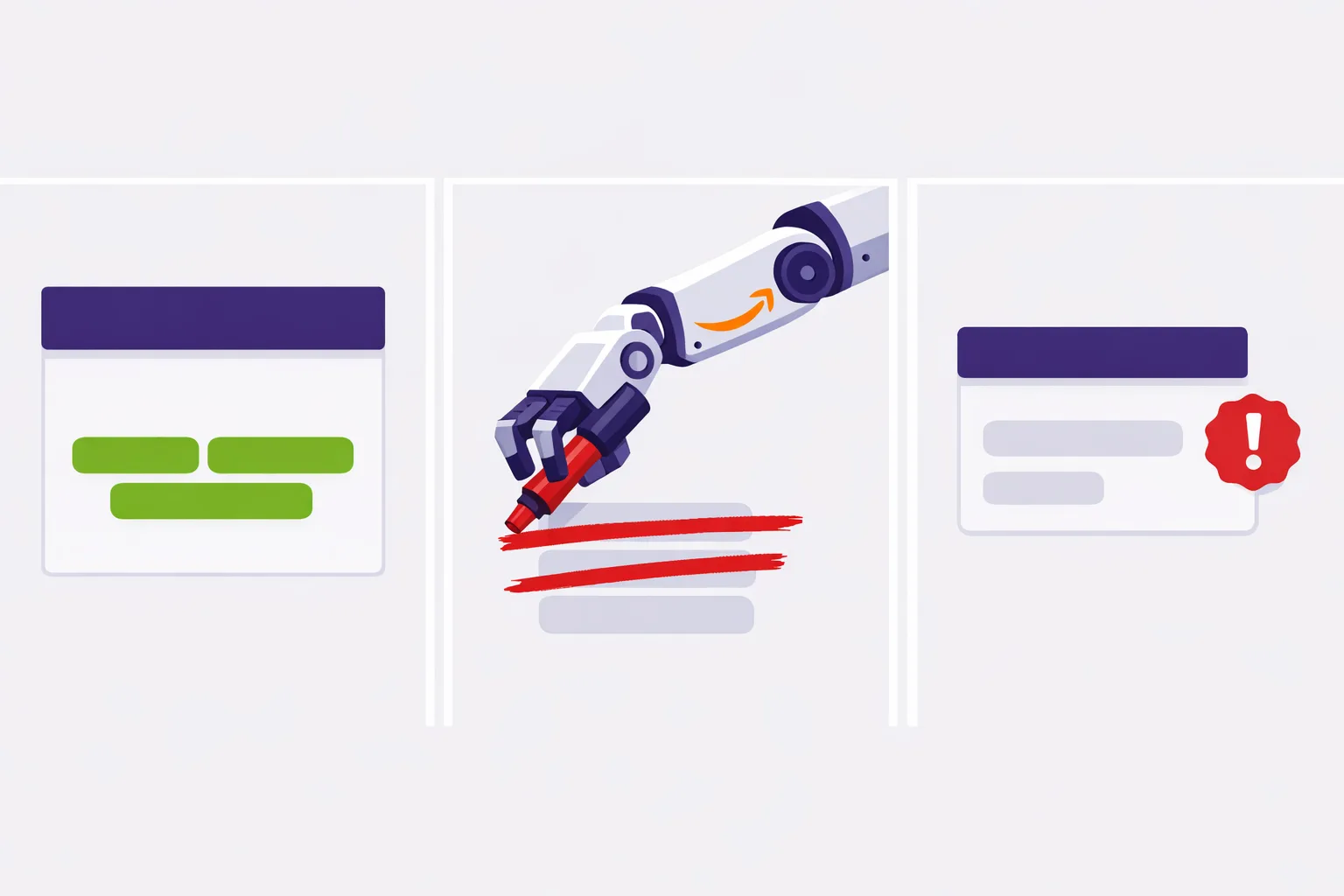
The risk of letting Amazon's AI rewrite your titles
Amazon's AI optimizes for length and grammar — not for your ranking strategy. Left unattended it can:
- Drop your high-converting keywords out of the 75-character title.
- Flatten your brand voice into a generic, uniform listing.
- Trigger a suspension on compliance — it doesn't check restricted claims (supplements, cosmetics, health). If it generates a prohibited claim, Amazon flags it and suspends the listing. And you're the one legally responsible, not Amazon.
That's the difference between a title that's shorter and a title that's optimized.
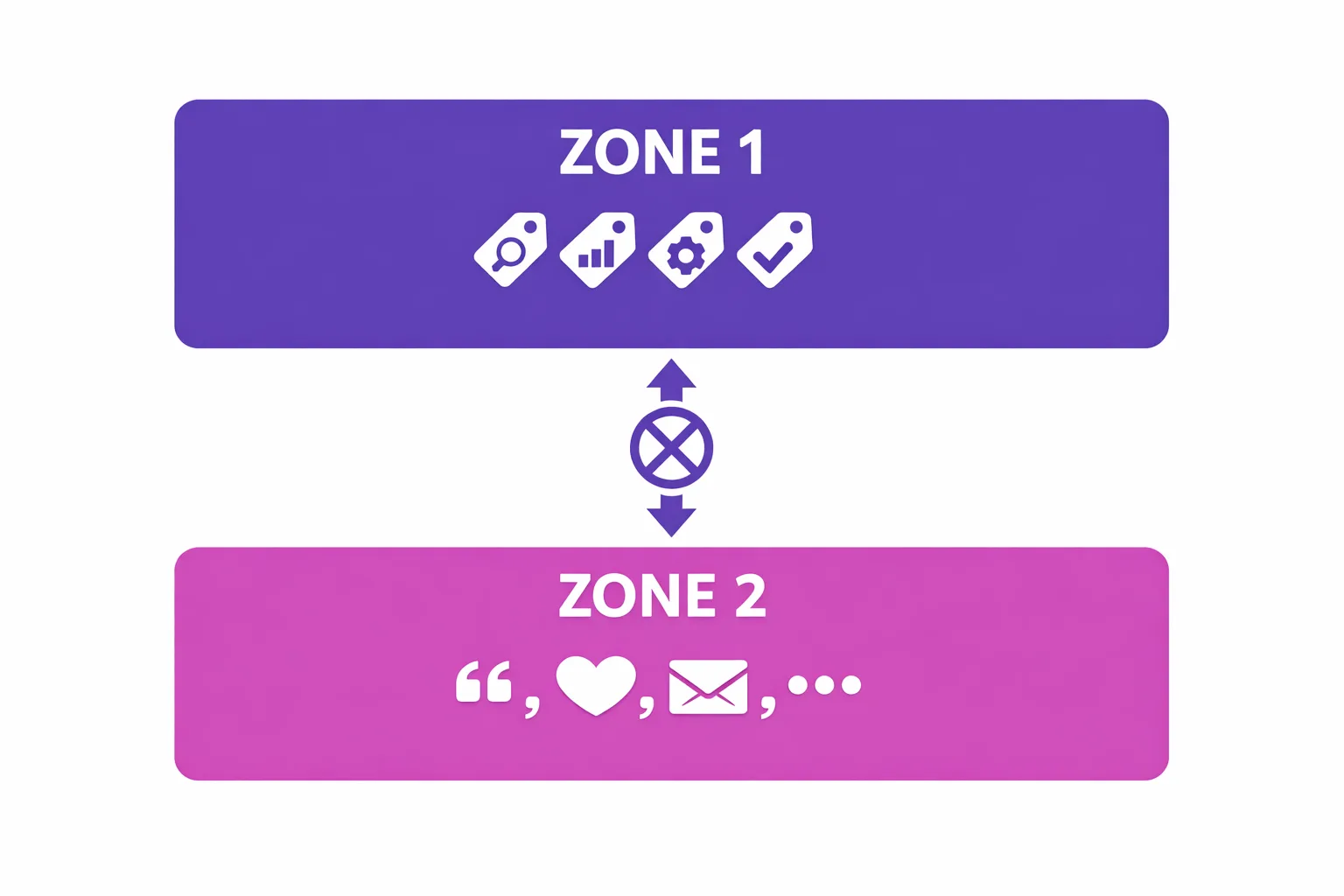
The 2-zone strategy: don't cut, redistribute
The mistake is deleting words until you hit 75. The right move is to treat title + highlights as two complementary keyword zones:
- Zone 1 — Title (75c): brand + primary high-intent keyword + critical differentiator (capacity, key variant). The highest-weight field — front-load it.
- Zone 2 — Item Highlights (125c): secondary keywords, materials, use cases, audience, certifications. Short phrases, separated by commas.
Golden rule: don't repeat the same keyword in both zones — that's wasted indexable space.
How Epinium optimizes your whole catalog (not just one ASIN)
One product is easy. Your full catalog is not.
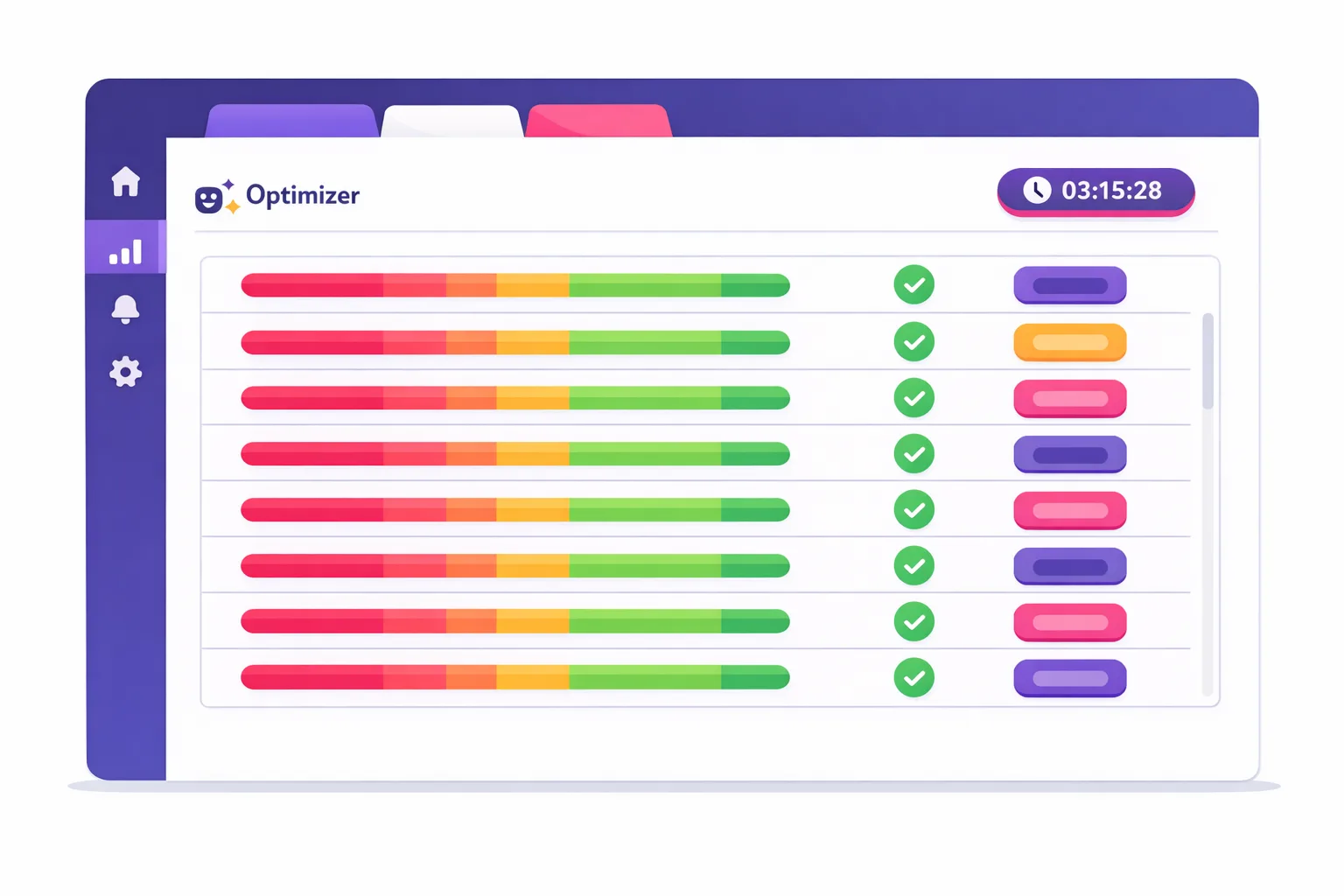
Identifies what's non-compliant
Epinium scans your entire catalog, flags every title over 75 characters and ranks them by revenue — your top ASINs get optimized first, with compliance and keyword risk visible at a glance.
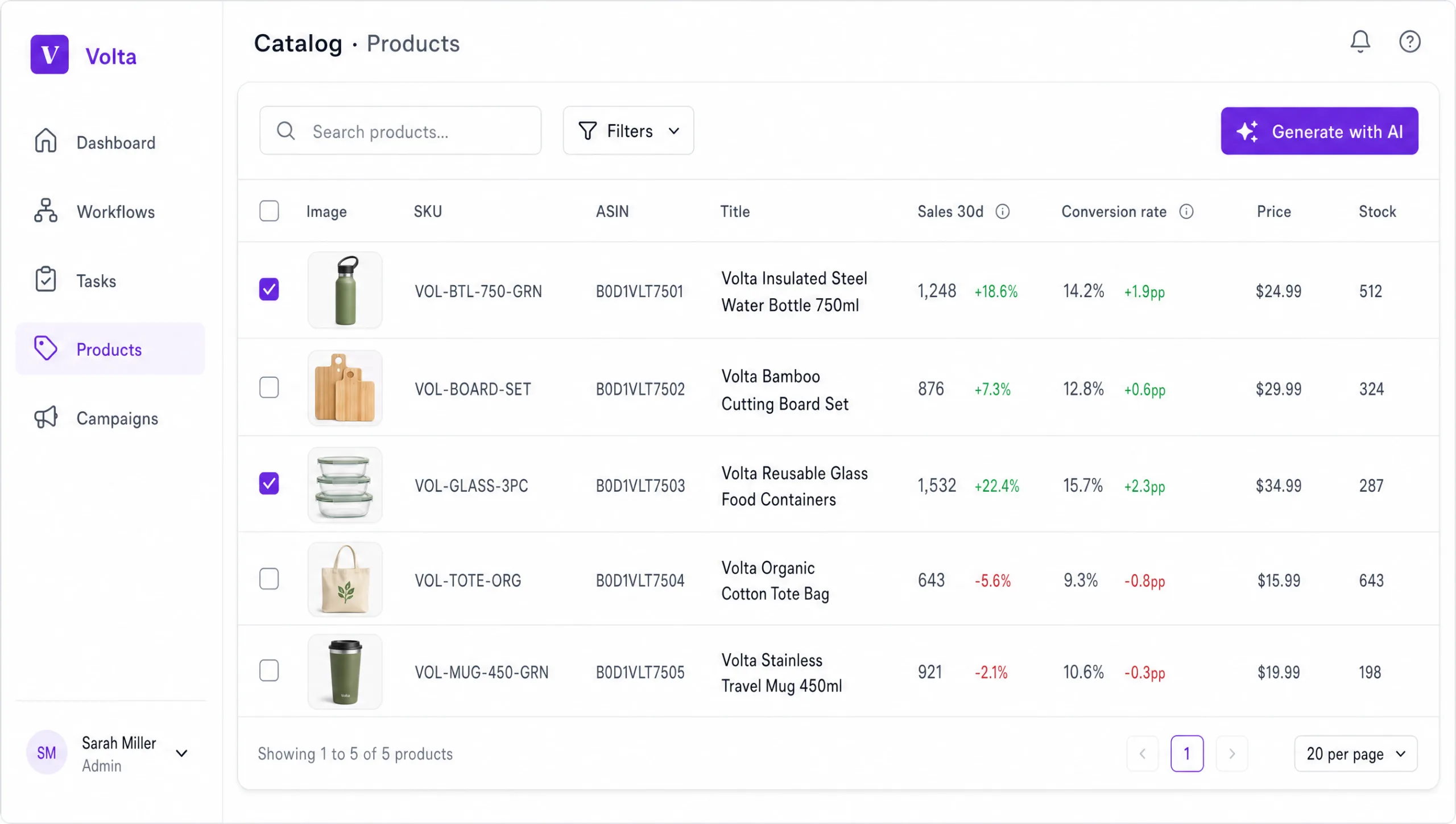
Bulk optimize your whole catalog
One click triggers AI generation of 75c titles + 125c Item Highlights for your whole catalog, prioritized by revenue. Your AI does it — controlled, compliant and on your terms.
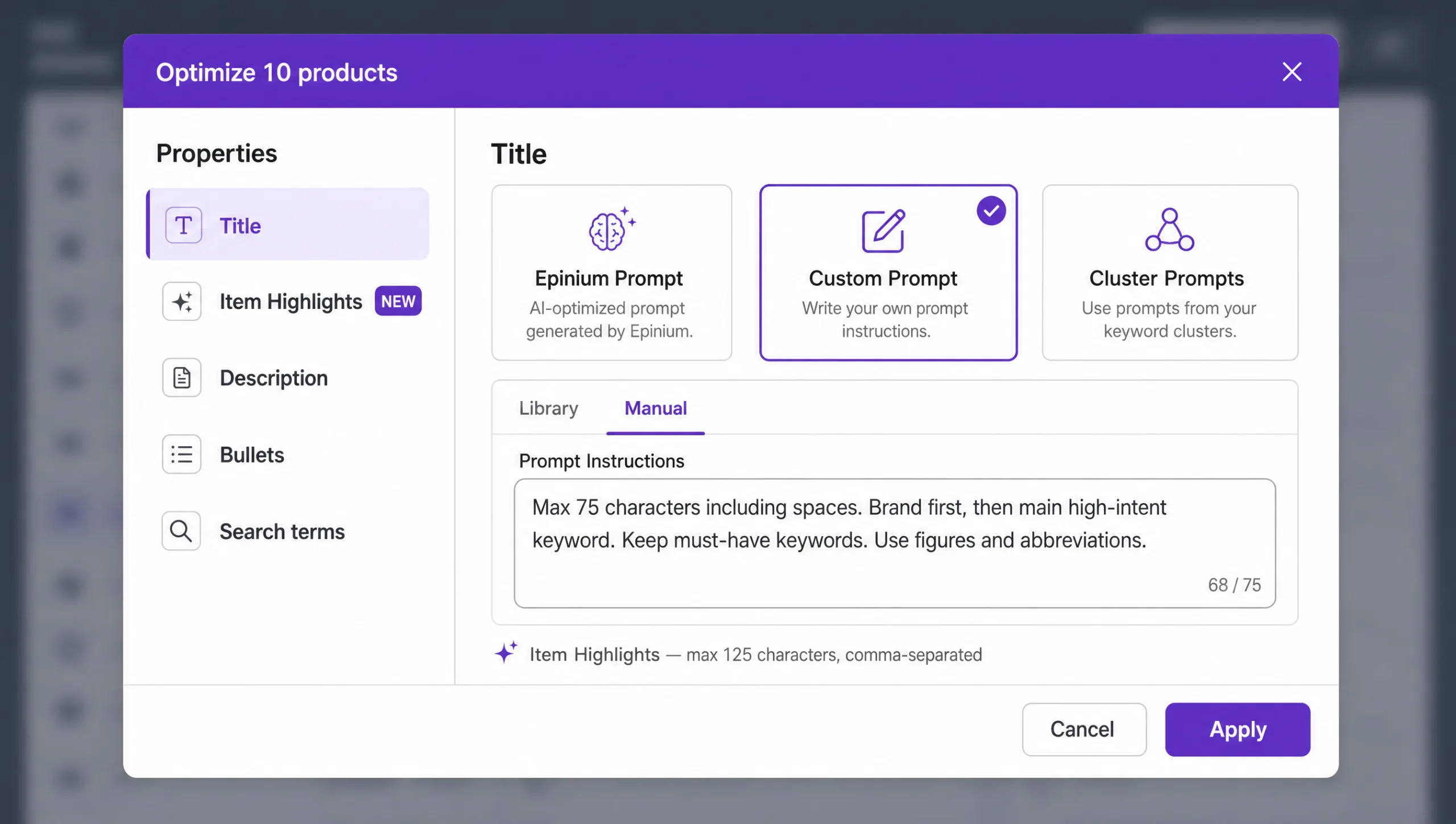
Configure your AI optimization
Set your brand voice, priority keywords and compliance rules once. Epinium applies them consistently across every ASIN — no copy-paste, no manual review per product. Your rules, scaled.
Frequently Asked Questions
What is changing with Amazon product titles in 2026?
Does the 75-character limit apply worldwide and to both Vendor and Seller?
What happens if I don't update my titles?
What are Item Highlights and how should I write them?
Will I lose ranking when my title shrinks to 75 characters?
Why not just use Amazon's AI title suggestions?
How does Epinium help me optimize my Amazon listings for the new format?
Can Epinium optimize my entire catalog in one pass?
Don't let Amazon's AI decide your titles
Optimize your whole catalog to the 75 + 125 format with AI that protects your ranking, your brand and your compliance. Get the playbook, or start optimizing in Epinium today.